
Thoroughly Sanitize Your Smartphones and Laptops Effectively
In the digital age, our IT devices have become an integral part of our daily lives. From notebooks and laptops to smartphones, tablets, keyboards, mice, and monitors, these devices require regular cleaning to maintain their performance and hygiene.
While it might seem straightforward, cleaning these devices requires a certain level of care to avoid causing damage. Here's a breakdown of how to clean each device safely and effectively.
Notebooks and Laptops
Before cleaning, always ensure the device is turned off. Use a microfiber cloth lightly dampened with a 50/50 mix of distilled water and white vinegar for screens. Wipe gently, both horizontally and vertically. For keyboards, remove debris by shaking and use compressed air between keys. Follow this with a cotton swab dipped in isopropyl alcohol for key surfaces, but avoid alcohol on the screen.
Smartphones and Tablets
Power off the device and remove cases or covers. Use a microfiber cloth; for screens, avoid harsh chemicals and alcohol as they can wear down oil-repellent coatings. Instead, clean with a distilled water and vinegar mix sprayed on the cloth (not the device), gently wiping the screen. Use alcohol on cases and buttons only, avoiding fluid entry into device openings.
Keyboards
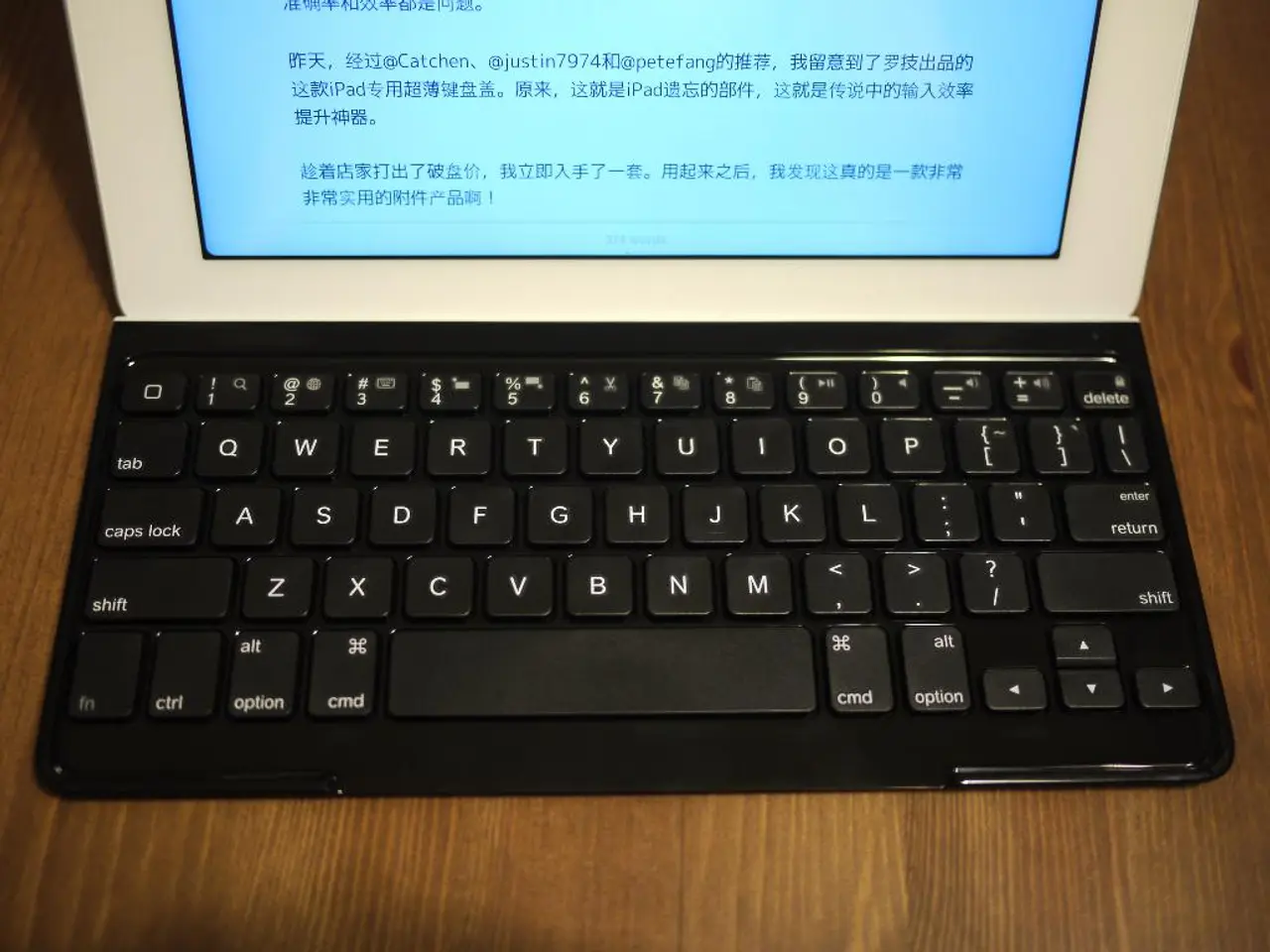
Weekly cleaning is advised. Shake out loose debris, use compressed air for crevices, then wipe keys and surfaces with a cloth lightly dampened with isopropyl alcohol. This maintains hygiene and prevents dust-related performance issues.
Mice
For laser mice, unplug and clean the bottom sensor area by sliding over clean paper until streaks disappear. Wipe the surface with a lightly dampened microfiber cloth.
Monitors and Screens
Weekly cleaning with a dry microfiber cloth using long, smooth motions is best. If stubborn spots persist, use a small amount of non-abrasive cleaning solution applied to the cloth, never sprayed directly on the screen, to avoid damaging coatings.
Compressed air spray can be used for a particularly thorough cleaning of the keyboard and monitors.
When it comes to frequency, almost no one cleans their PCs or notebooks daily, and only 2% clean their computers once a week. On the other hand, only 6% of German smartphone owners clean the surface of their phone daily. If you use your smartphone while eating or on the toilet, you should clean it more frequently.
In summary, use soft microfiber cloths to avoid scratching, avoid spraying liquids directly on devices, and choose gentle cleaning solutions like distilled water with vinegar or isopropyl alcohol for keyboards and cases, but not for screens. For shared devices in high-traffic environments, clean daily or after each use. This approach balances effective cleaning with device safety, extending hardware lifespan and maintaining hygiene.
- For smartphones and tablets, it's important to power off the device, remove cases or covers, use a microfiber cloth to clean the screens without harsh chemicals or alcohol, and use alcohol on cases and buttons only, avoiding fluid entry into device openings.
- To clean keyboards effectively, shake out loose debris, use compressed air for crevices, then wipe keys and surfaces with a cloth lightly dampened with isopropyl alcohol to maintain hygiene and prevent dust-related performance issues.
- When it comes to home-and-garden and lifestyle gadgets like mice, monitors, and laptops, use a dry microfiber cloth for regular cleaning, and a small amount of non-abrasive cleaning solution for stubborn spots, being careful to avoid spraying liquids directly on devices to avoid damaging coatings.